


Next-Fi Whole Home
Level-Up your Game with Next-Fi Whole Home for just $20/month.


Section – Hero Check Address
Lighting fast Internet
Section – Big Header V3
Wireless Internet for Rural Areas
High-Speed Wireless and Fiber Internet in parts of Texas, Oklahoma, Kansas, Nebraska, Iowa, and Illinois.
Section – Narrow Header & Body
Internet for Home and Business
A massive upgrade over traditional internet, Nextlink Fiber delivers speeds up to 10,000 Mbps (10 Gbps) straight to your door.
Section – Pricing Table


Section – Image Left Text Right

Manage Your Service Anywhere with the Nextlink Connect App.
Pay your bill, manage your plan, and troubleshoot your equipment — all from your phone.
 One-tap bill pay
Service status updates
Troubleshooting tools
Chat with support


Section – Text Left Image Right
Premier Internet service for rural communities.
Nextlink Internet provides more than just Internet. We provide a connection you can count on to support all of your online devices. Sign up for home Internet service from Nextlink and see why so many of your neighbors have already switched to Nextlink Internet.
Section – Dark BG Text Left Image Right
Premier Internet service for rural communities.
Nextlink Internet provides more than just Internet. We provide a connection you can count on to support all of your online devices. Sign up for home Internet service from Nextlink and see why so many of your neighbors have already switched to Nextlink Internet.
Section – Dark BG Text Left Image Right SPECIAL 3 Buttons
Fiber Internet Available in Communities around Texas and Nebraska
A massive improvement over your existing internet connection, Nextlink Fiber connects directly from your residence to our central office and offers lightning-fast speeds of up to 8000Mbps (8 Gbps).Our media needs are increasing daily – working from home – virtual learning – and streaming entertainment – and are becoming more interactive. High quality images and and lag free video are on demand. Fiber has the capacity to make this a reality without interruptions.

Section – Grey Icon Boxes

Unlimited Data
Stream freely with no limits. Nextlink Internet does not cap data usage or charge overage fees.

Reliable Speeds
Choose the Internet package speed that is best for your business up to 5 Gbps.

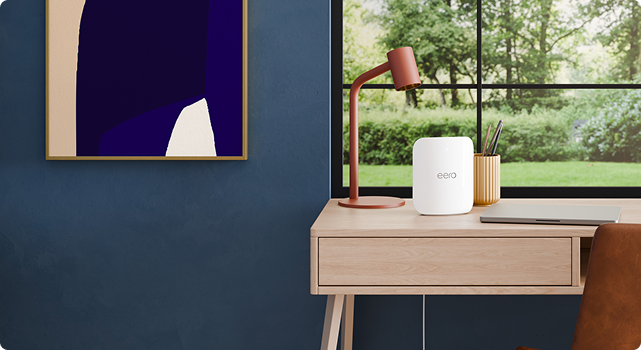
Whole Home Wi-Fi
Get a strong, secure Wi-Fi signal to support your entire home with Next-Fi powered by Eero

24/7 Support
We offer 24/7 service monitoring and customer service to keep your internet running optimally.
Section – Accordion
What is port forwarding and do I need it?
Port forwarding is a network address translation (NAT) application that redirects communication requests from one address and port number combination to another while the packets are traversing the router. Port forwarding is commonly used for online gaming (game specific) and security systems. You can find a list of required ports to be opened by contacting the manufacturer or support forums for the specific device or game.
- Nextlink will only forward ports for our managed routers (Mikrotik or Calix). We do not forward ports for personal routers as we do not have remote access.
- Due to Nextlink’s use of CGNAT, customers requesting port forwarding must have a static IP issued.
- One port number cannot be opened to two different IP addresses.
What is Wi-Fi and how does it work?
The radio waves which make up WIFI signals use the 2.4 GHz and 5 GHz frequency bands. These are higher than the frequencies used for televisions or cell phones and allow more data to be carried than do the lower frequencies.
WIFI signals use IEEE 802.11 networking standards when transmitting data. There are several different varieties of the protocol that are used, and they will vary in frequency, modulation, type of wireless signal, type of receiver and transmitter, and type of antenna.
Like all wireless technology, WIFI signals are subject to local influence and interference. Things that can obstruct WIFI signals include dense building materials (stone, rocks, metal, etc.), reflective building materials (mirrors, chrome, etc.), intense heat and lack of ventilation, microwaves, cordless phones, baby monitors, wireless speakers, garage door openers, and even your neighbor’s router. It’s important to factor this in when determining the best router placement for your needs. For example, placing the router in a closet or attic can immediately cause the WIFI signal to weaken before it ever reaches a device.
Signal strength is represented in -dBm format. This is the power ratio in decibels (dB) of the measured power referenced to one milliwatt, with lower numbers being of a higher signal (Ex. -61 is a better signal than -80). The device receiving the wireless signal has a range of power levels it can “hear”, known as the receive sensitivity. As a wireless receiver moves away from the router, the signal it “hears” will get weaker. With more distance between the device transmitting the WIFI signal and the device receiving the WIFI signal, the weaker the signal will be until it eventually “falls off” the wireless network.
The strength of the WIFI signals throughout the internal network’s coverage area directly impacts your ability to use your devices efficiently. Desired signal strength, for optimal performance, varies based on several factors, such as environmental background noise, the number of people or devices on the network, what the desired data rates are, what applications are being used, etc. The stronger the signal strength, the more reliable and faster the connection will be.
The best way to check the coverage of WIFI signals within the home and to understand where the signal strength is the strongest or weakest is to use a heat map. Heat maps are a great way to determine where extenders and mesh units should be placed to maximize wireless coverage. Many devices come with a built-in application for creating a heat map or one can be found by doing a basic web search for a heat map generator. Heat maps can also be created manually by moving from room to room with a wireless device and documenting the signal strength relative to the router in each location.
Section – Product Highlight Boxes
Shop our products

Bundles

Internet

Mobile

Phone
Image Presets
Image Presets – Rounded Corners

Image Presets – Image with Orange Border
Section – Blog Module
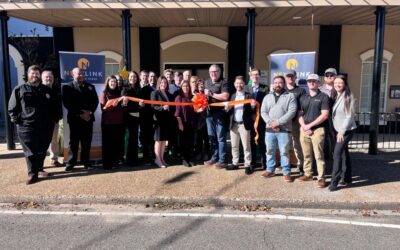
Nextlink Supports DeSoto Parish
Celebrating the deployment of high speed internet service for the wonderful citizens of DeSoto Parish Louisiana! Together, Nextlink Internet and partner, Tarana Wireless, Inc. are bringing reliable, low latency gigabit broadband service to under and underserved...

Nextlink supports the the National Governors Association‘s 2023 Annual Meeting
Nextlink supports the the National Governors Association‘s 2023 Annual Meeting in Atlantic City, New Jersey.
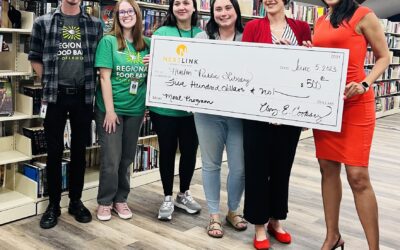
Nextlink Supports the Hinton Public Library
Nextlink supports the Grand Opening of the Hinton Public Library in Oklahoma to springboard the Regional Food Bank of Oklahoma's Summer Feeding Program in Hinton as a part of its fight against hunger in 53 counties across central and western Oklahoma.
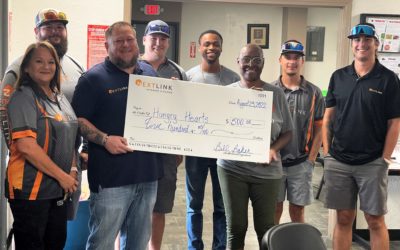
Nextlink Gives Back to Hungry Hearts Feeding Ministry in Lawton, Oklahoma
Nextlink Gives Back to Hungry Hearts Feeding Ministry in Lawton, Oklahoma. Nextlink Internet was proud to present Hungry Hearts Feeding Ministry in Lawton, Oklahoma with a $500 donation to help them continue their mission to feed the community. Hungry Hearts was...
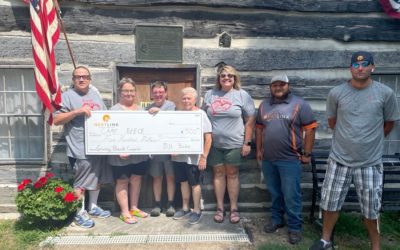
Nextlink Gives Back to Camp REECE in Washington Iowa
Nextlink Gives Back to Camp REECE in Washington Iowa Nextlink Internet is honored to present Camp Reece IA in Washington Iowa a $500 donation. This donation will help them continue to provide supportive and accessible summer camps for children with disabilities. This...
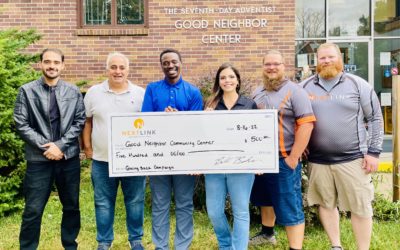
Nextlink Gives Back to Good Neighbor Community Center in Lincoln Nebraska
Nextlink Gives Back to Good Neighbor Community Center in Lincoln Nebraska The Nextlink Internet Team in Lincoln Nebraska is honored to present a $500 donation to Good Neighbor Community Center to help them continue their mission to provide food, clothes, and household...
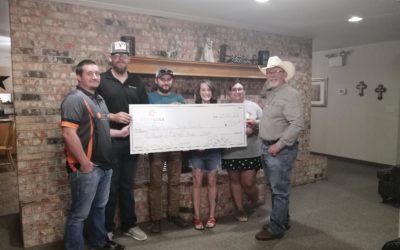
Nextlink Gives Back to Ben Richey Boys Ranch & Family Program
Nextlink Gives Back to Ben Richey Boys Ranch & Family Program in Abilene, Texas Nextlink Internet is proud to donated $500 to Ben Richey Boys Ranch and Family Program in Abilene Texas. This donation was part of Nextlink’s ongoing Giving Back Campaign: donating...

Nextlink Gives Back to Kansas Rural Center in Wichita Kansas
Nextlink Gives Back to Kansas Rural Center in Wichita, Kansas Nextlink Internet is honored to support the the Kansas Rural Center with a $500 donation. Since 1979, the Kansas Rural Center has worked to strengthen small and family farms and their rural communities. KRC...
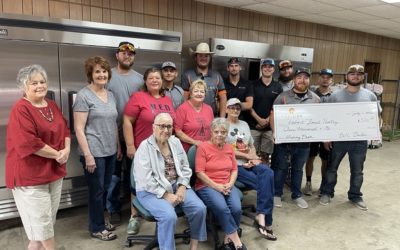
Nextlink Gives Back to Hobart Food Pantry in Hobart Oklahoma
Nextlink Gives Back to Hobart Food Pantry in Hobart, Oklahoma. The Nextlink Internet team in Hobart, OK is honored to present a $500 donation to the Hobart Food Pantry located in Hobart First United Methodist Church to help them continue their mission to provide food...

Giving Back to Kans for Kids in Hoisington, Kansas
Nextlink Internet Donates $500 to Kans for Kids of Hoisington, KS. Nextlink Internet, (“Nextlink”) a leading provider of rural fiber and wireless internet and voice solutions, is honored to present $500 to Kans for Kids of Hoisington, KS. This donation was part of...
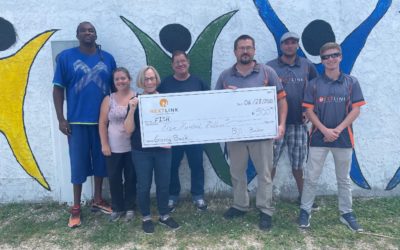
Giving Back to Fish of Galesburg, Illinois
Nextlink Internet Donates $500 to FISH of Galesburg, Illinois. FISH of Galesburg is an emergency food pantry which has been helping to feed the hungry of Knox County since 1970. The mission of FISH is to provide food for those in need. FISH depends on the donation of...
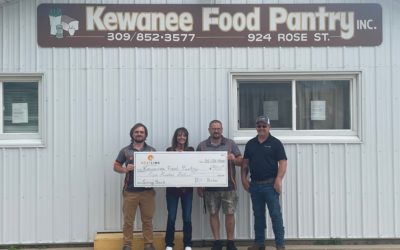
Giving Back to the Kewanee Food Pantry in Illinois
Nextlink Internet is honored to support the Kewanee Food Pantry with a $500 donation. The Kewanee Food Pantry was established in 1989 and is a private nonprofit that collects, stores, and redistributes food to residents and the community. Annually they distribute one...
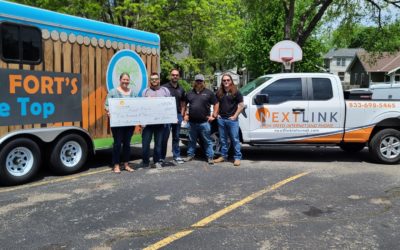
Giving Back to the Food Fort in Lincoln, Nebraska
May 13, 2022 – Lincoln, NE The Nextlink team is honored to present Food Fort with a $500.00 dollar donation so that they may continue to fulfill their mission: of providing meals and building relationships within the Lincoln, NE community, while giving them access to...
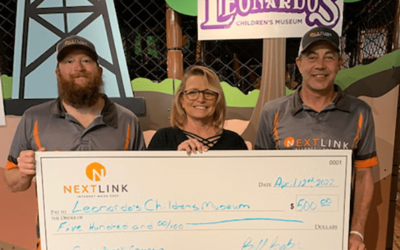
Leonardo’s Children’s Museum
Nextlink is honored to partner with Leonardo’s Children’s Museum to help them fulfill their mission of enriching and inspiring children of all ages by creating fun learning opportunities in the Enid community.
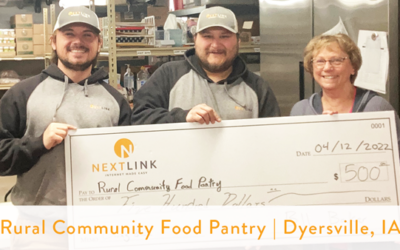
Rural Community Food Pantry
The Dyersville Rural Community Food Pantry gathers food and shares grocery products with their neighbors in need.
Section – Body Presets
Preset – Main Body Body 2025
Heading 1
Heading 2
Heading 3
Heading 4
Heading 5
Heading 6
Body Text – Nextlink Fiber is bringing fast, reliable internet to more homes and new cities every day. Find out when you’re one of them.
Preset – Main Body Title Dark 2025
Heading 1
Heading 2
Heading 3
Heading 4
Heading 5
Heading 6
Body Text – Nextlink Fiber is bringing fast, reliable internet to more homes and new cities every day. Find out when you’re one of them.
Preset – Default Text Preset
Heading 1
Heading 2
Heading 3
Heading 4
Heading 5
Heading 6
Body Text – Nextlink Fiber is bringing fast, reliable internet to more homes and new cities every day. Find out when you’re one of them.
Preset – White Heading Text 2025
Heading 1
Heading 2
Heading 3
Heading 4
Heading 5
Heading 6
Body Text – Nextlink Fiber is bringing fast, reliable internet to more homes and new cities every day. Find out when you’re one of them.
Preset – Light Blue Text
Heading 1
Heading 2
Heading 3
Heading 4
Heading 5
Heading 6
Body Text – Nextlink Fiber is bringing fast, reliable internet to more homes and new cities every day. Find out when you’re one of them.
Preset – White Heading Text 2025
Heading 1
Heading 2
Heading 3
Heading 4
Heading 5
Heading 6
Body Text – Nextlink Fiber is bringing fast, reliable internet to more homes and new cities every day. Find out when you’re one of them.